
Blocks
Gyro Gallery
Gallery tiles on three counter-rotating orbits that turn to face your pointer.
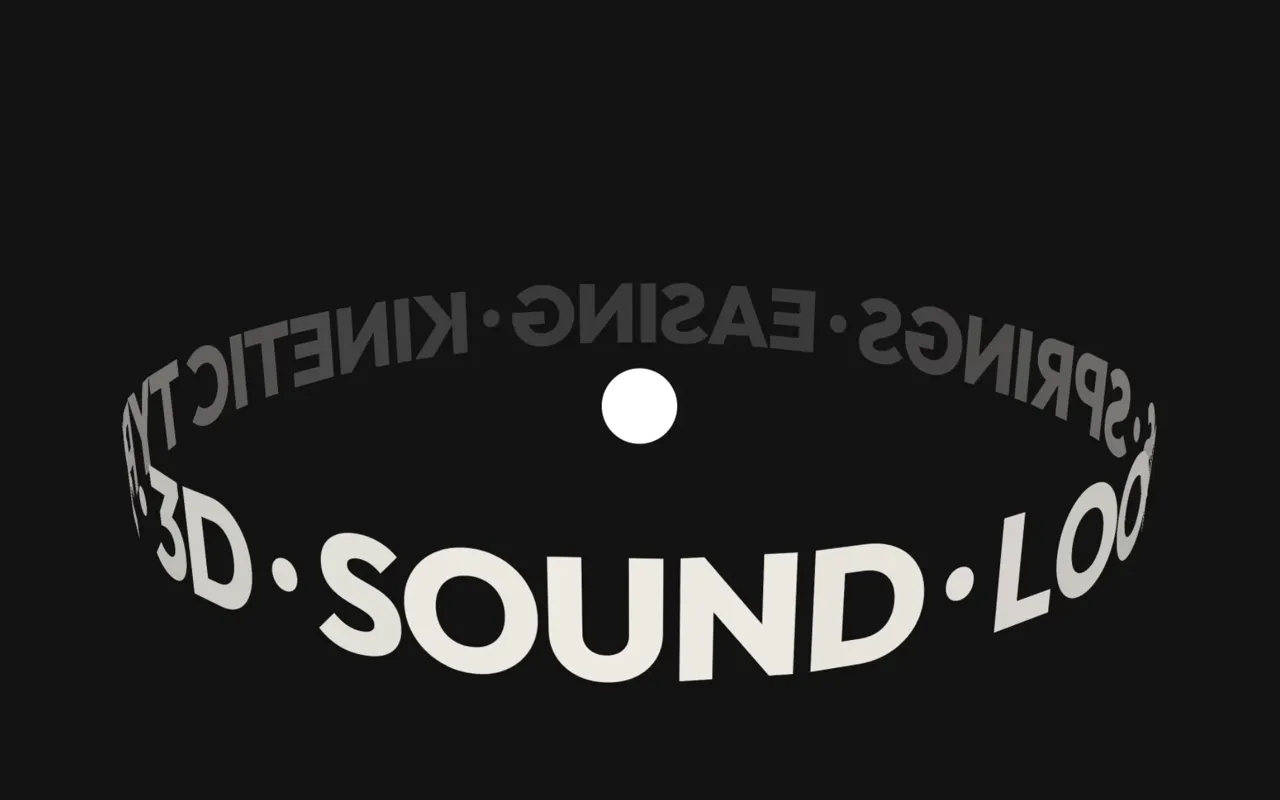
A showcase for a body of work, built around the pointer. The tiles ride three concentric orbits on one tilted plane, like the rings of a gyroscope, each turning at its own pace, the middle one against the other two. They spiral out of the centre as the block arrives while the rings tip back from face-on. Move the pointer and the whole rig turns to face it, while the rings calm to a crawl so nothing races away from you. Point near a piece, no exact hit needed, and it comes forward: the rings stop, it drifts out to meet the cursor, grows and takes a lime outline, a spoke draws out from the core to it and its name rides beside it. Click to open it. Drag sideways to throw the rings into a faster spin that winds down on its own. Scroll the page and the gyroscope answers: the rings wind with your scroll, forwards going down and back going up, the plane swivels and tips as the section passes through the window, and a quick scroll flings them like a drag. GSAP with ScrollTrigger.
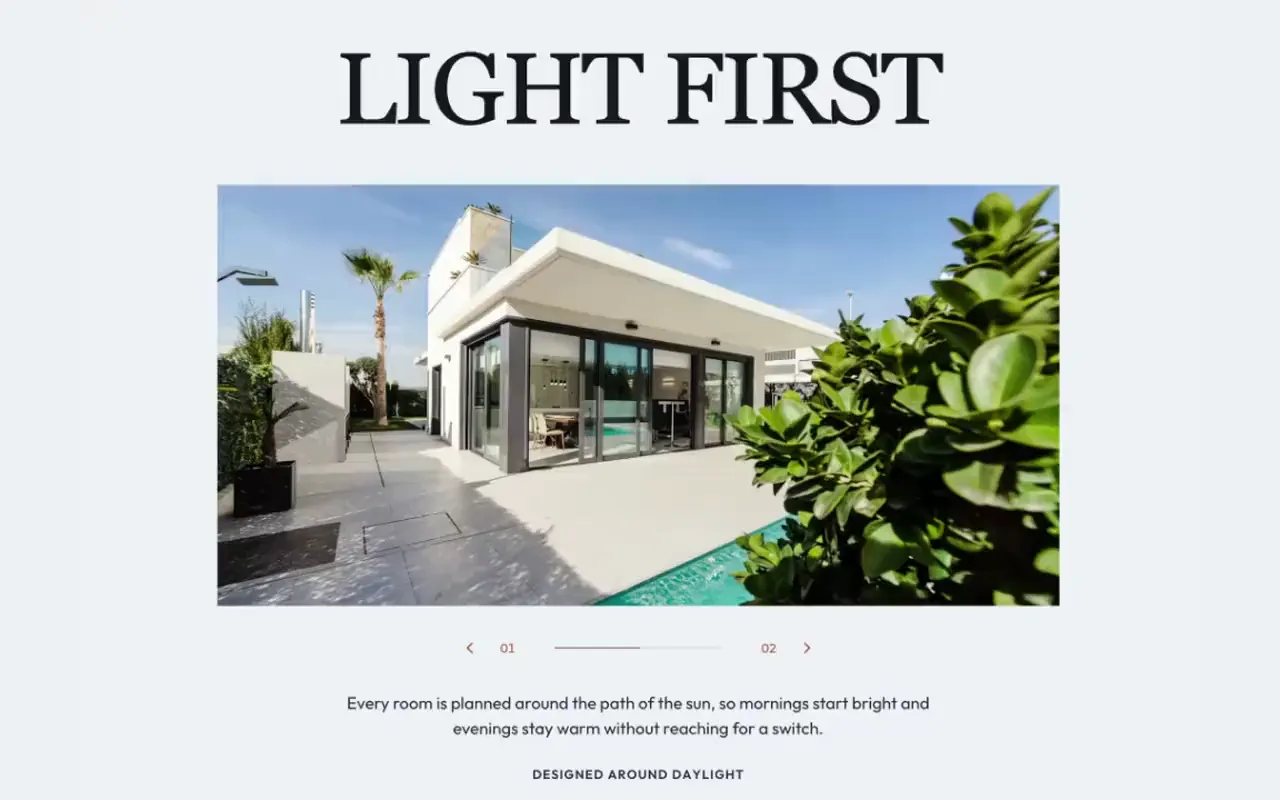
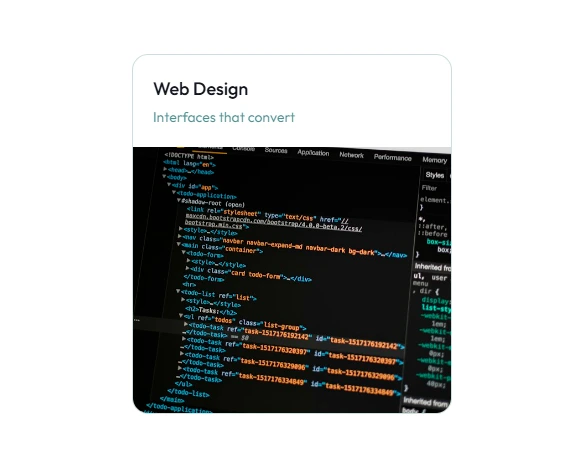
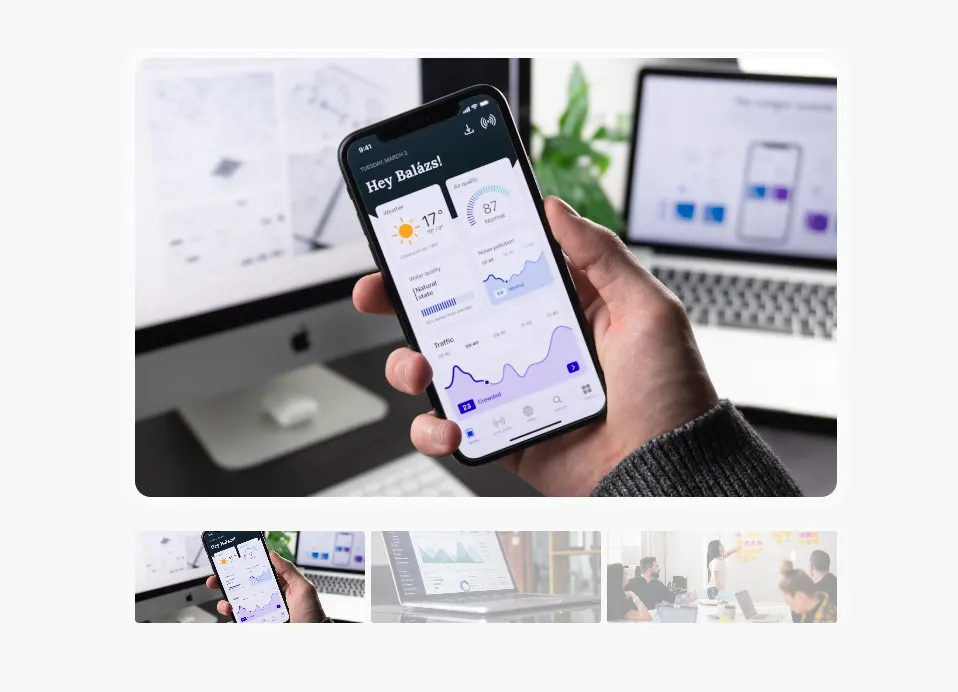
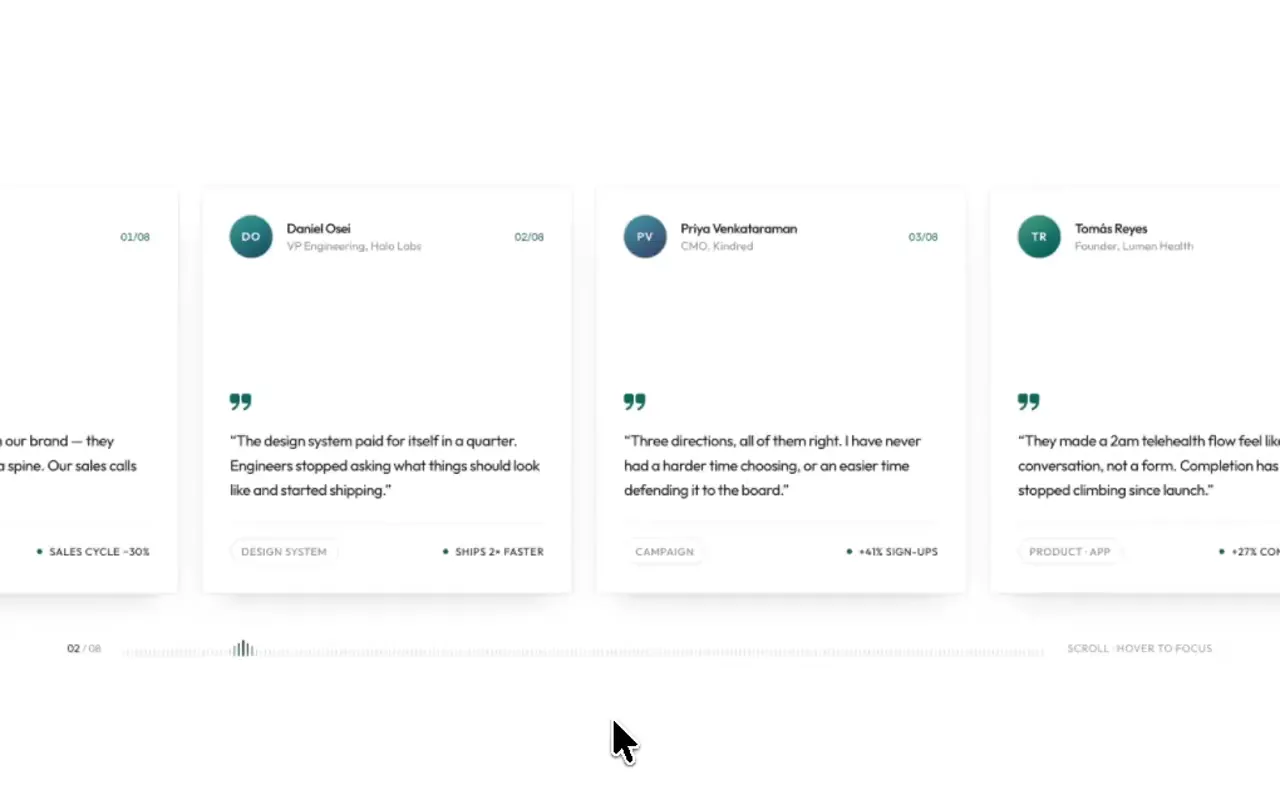
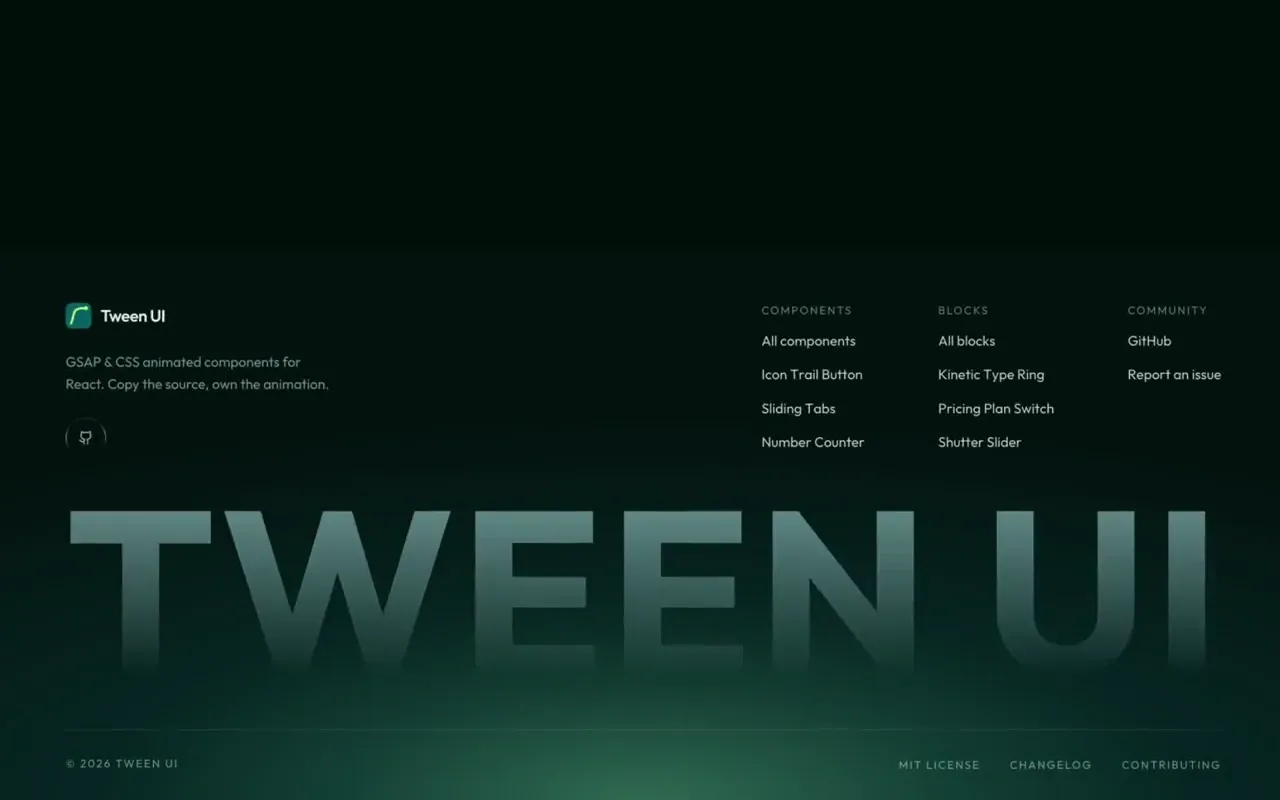
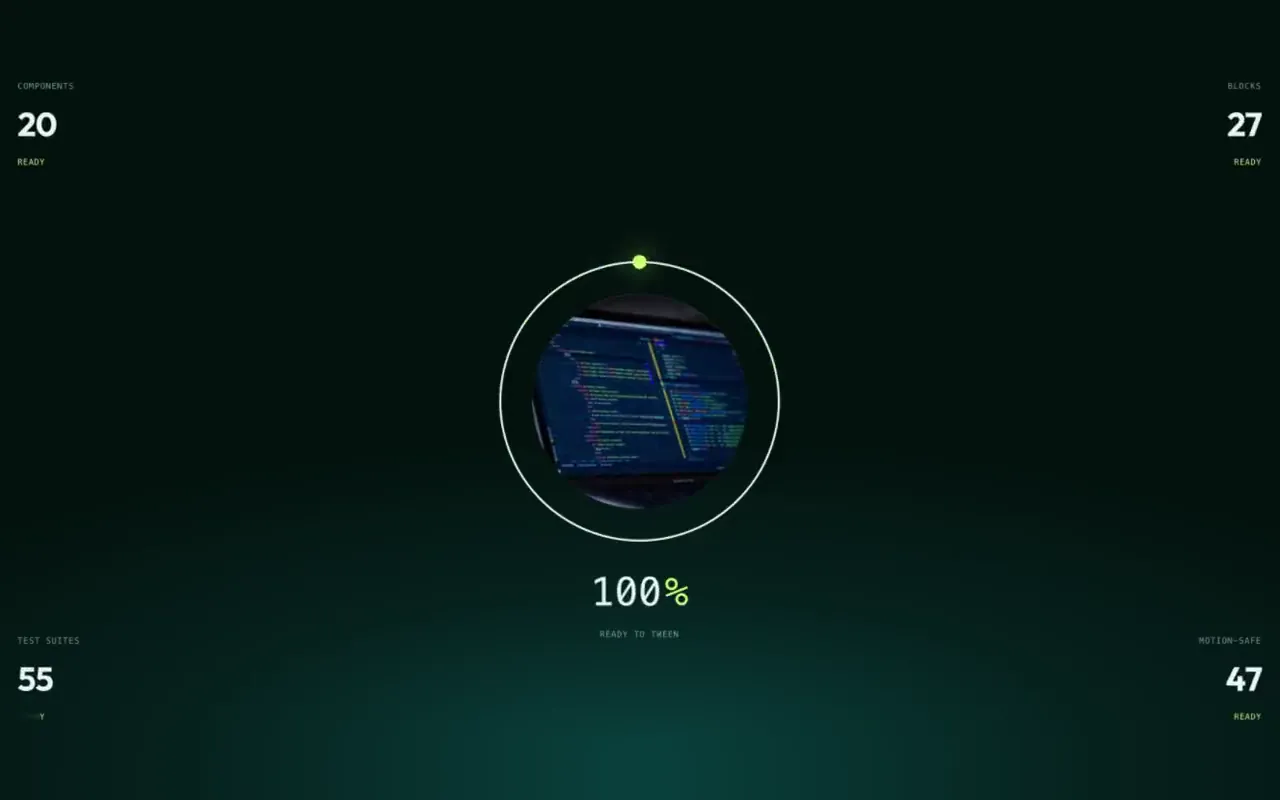

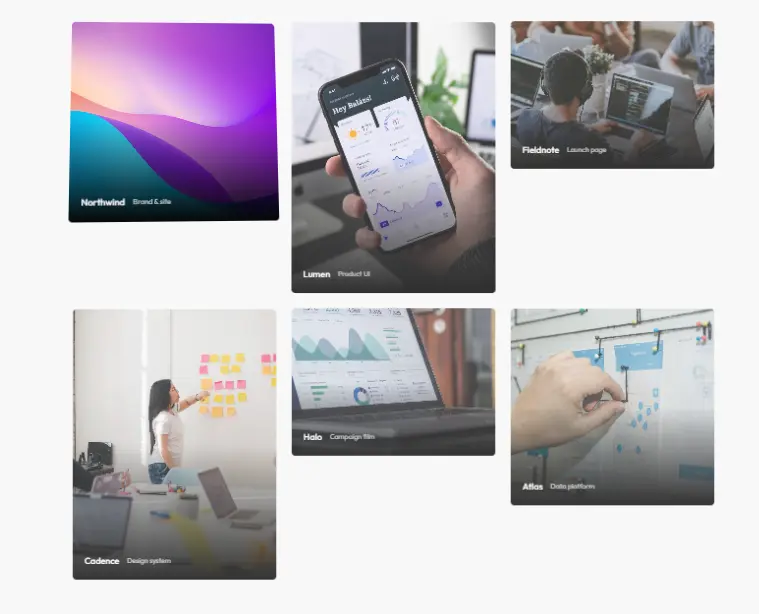
The archive, in orbit.
Point near a piece to bring it forward, click to open it, drag to spin the rings.
Installation
pnpm dlx shadcn@latest add @tween-ui/gyro-galleryUsing an AI editor? Set up MCP once, then just ask for it in plain words.
Usage
import GyroGallery from '@/components/tweenui/gyro-gallery';

export default function Page() {
  return <GyroGallery />;
}
It ships dressed as the Tween UI archive: the gallery posters of the
library's own components and blocks, each linking to its page. Pass your own
work as items:
import GyroGallery from '@/components/tweenui/gyro-gallery';

export default function Work() {
  return (
    <GyroGallery
      title="Selected work."
      description="Point near a project to bring it forward, click to open it."
      items={[
        {
          title: 'Northwind rebrand',
          kind: 'Identity',
          image: '/work/northwind.jpg',
          href: '/work/northwind',
        },
        { title: 'Halden app', kind: 'Product', image: '/work/halden.jpg', href: '/work/halden' },
        // …
      ]}
    />
  );
}
The colors are the Tween UI palette: the deep ink stage (#03110f) with a
teal glow (#045f64) behind the rig, pale type (#e8f3f2), soft teal labels
(#9fd4d6) and the lime accent (#c6f56f) for the outline and the spoke
of the piece in focus. They live in the className strings, so you can restyle them
in place.
Props
| Prop | Type | Default | Description |
|---|---|---|---|
items | GyroItem[] | 20 Tween UI gallery posters | The pieces on the orbits. |
title | string | 'The archive, in orbit.' | Heading at the bottom left. |
description | string | How to steer | Line under the heading. |
Each item is { title, image, kind?, href? }. With an href the tile is a
link. Extends native <section> attributes (className, style, …).
Behavior
- Projected, not nested. Each tile's place on its orbit is worked out in 3D and projected onto the screen, so every tile always faces you, no matter how far the rig turns, and only 2D transforms change each frame. Depth still reads: farther tiles are smaller, dimmer and sit behind.
- Three orbits, 24 tiles, no pile-ups. Five on the inner ring, eight and eleven on the outer two. The rings share one plane, and concentric ellipses on a shared plane never cross, so tiles from different rings never land on each other. The gaps between rings stay wider than a tile even at the steepest the pointer can tip the rig. Your items repeat around them in order, so any number fills it.
- Focus by proximity, not by aim. The piece nearest the pointer, within 130px of its centre, is the one in focus. A rival has to be clearly closer to take over, so focus never flickers between neighbours.
- The target holds still. While a piece is in focus the rings stop and the rig stops turning, so the piece does not slide out from under the cursor. With the pointer anywhere else over the gallery the rings slow to about a fifth of their speed.
- Click anywhere to open. A click opens the piece in focus, wherever it lands; Ctrl or Cmd opens it in a new tab.
- Touch: tap, then tap again. The first tap only brings a piece forward and names it; a second tap opens it. The drag is sideways, so a vertical swipe still scrolls the page.
- Scroll drives it, never the other way round. The section's progress through the viewport scrubs the rings and swivels the plane, eased a little so a flick of the wheel still reads as a turn, and scroll speed adds a fling that decays. Nothing is pinned and the page scrolls normally; the swivel turns the plane within the screen, so it cannot make rings cross.
- It still answers when there is nothing to scroll. Where the gallery fills the window and the page cannot move, the wheel or a vertical swipe over it winds the rings directly, tips the plane for a moment and flings the spin. Input only counts this way when the page itself did not scroll, so a scrolling page is never driven twice.
- A drag never opens a tile. A press that moves drops the focus and swallows its click, and the throw decays by itself after you let go.
- It only runs while you can see it. The frame loop starts and stops with the section's visibility, and the intro plays as it arrives.
Accessibility
The rig is decoration and is aria-hidden, with its tiles out of the tab
order. The archive itself is repeated as a visually-hidden list of links, so
keyboard and screen reader users reach every piece without chasing a moving
target. The name of the piece in focus is announced politely. Under
prefers-reduced-motion: reduce there is no intro, spin or turn: the rings
are drawn still at their tilt, and pointing near a piece still brings it
forward, draws its spoke and names it.